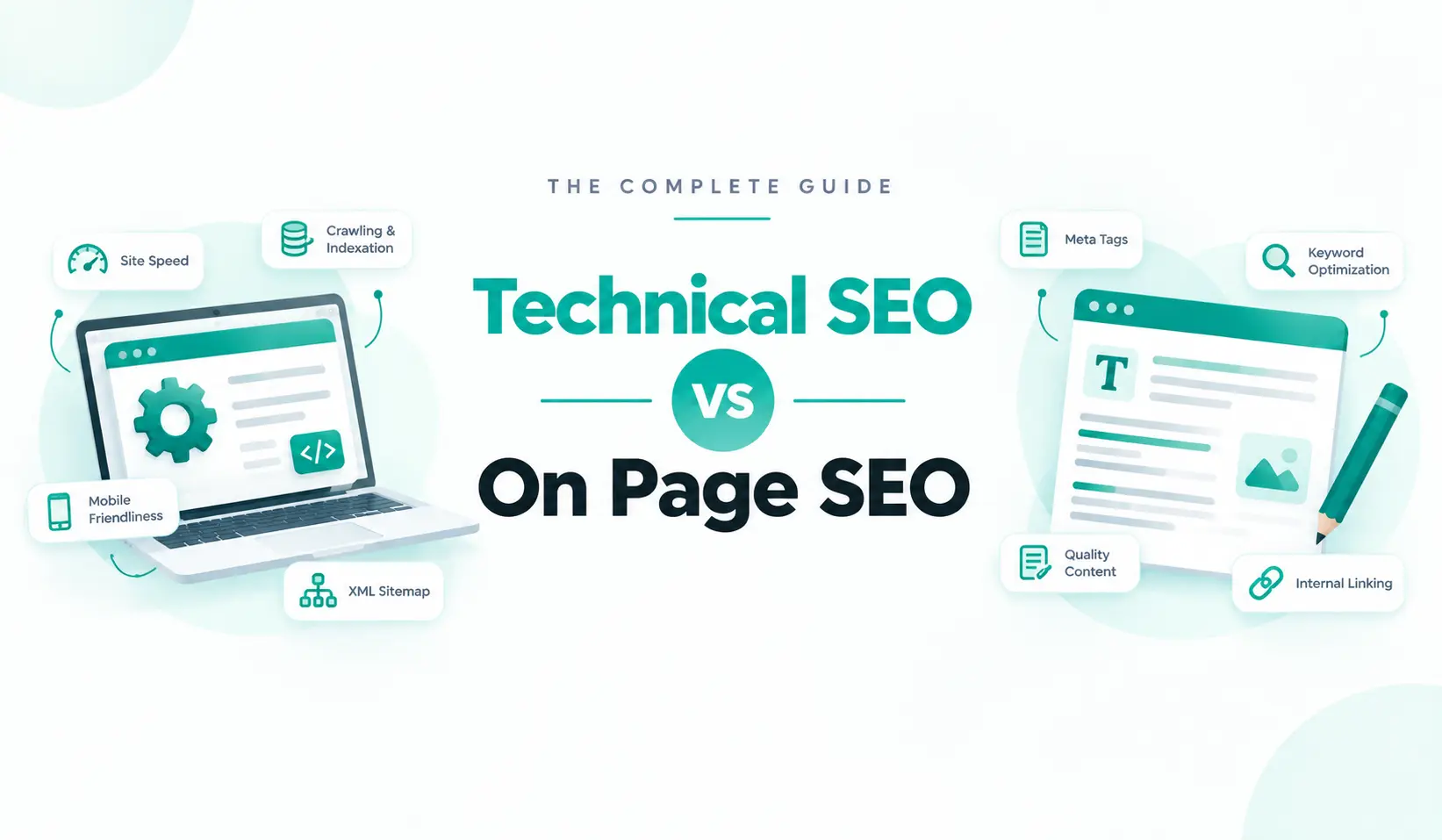
Technical SEO vs On Page SEO: What’s the Difference?
If you’ve heard both terms thrown around and aren’t sure where one ends and the other begins, you’re not alone. It’s one of the most common points of confusion in SEO, and it’s an understandable one. Both ultimately serve the same goal: helping your pages get found, indexed, and ranked. From a distance, that can make them feel like the same discipline.
Up close, though, they involve different areas of focus and different types of problems. Technical SEO is concerned with how well search engines can crawl, understand, and index your site, while content-focused SEO is concerned with whether your content satisfies what people are searching for.
A page can have flawless content and still be invisible to Google because of a technical setting no one noticed. A page can also be perfectly crawlable and indexed and still never rank because the content doesn’t match search intent. Knowing which area a problem falls into helps you focus on the right fix instead of solving the wrong problem.
What Is Technical SEO?
Technical SEO is the practice of optimizing your website’s infrastructure so search engines can crawl, render, index, and rank it properly. It’s largely invisible to a visitor. You won’t “read” technical SEO the way you read a blog post, but if it’s broken, nothing else on the site matters, because Google can’t reliably access or trust what’s there. Think of it as the plumbing and wiring of a house: no one compliments it directly, but everything else stops working the moment it fails.
Technical SEO commonly covers:
Crawlability and indexability
This makes sure that search engine bots can reach your pages and are actually allowed to add them to the index. This is controlled through robots.txt, XML sitemaps, canonical tags, and noindex directives. A single misconfigured setting in any of these can quietly remove a page from search entirely.
Site speed and Core Web Vitals
This checks how quickly pages load and respond to interaction, and is measured through metrics like Largest Contentful Paint, Interaction to Next Paint, and Cumulative Layout Shift. Slow, unstable pages frustrate visitors and are treated as a ranking signal by Google.
Mobile-friendliness
According to Statista, mobile devices account for 51.48% of overall website traffic globally. This makes it crucial to optimize the website for mobile devices. Check whether the site renders and functions properly on phones, since Google indexes the mobile version of a site first.
Site architecture and URL structure
Site architecture is a logical folder hierarchy and internal linking pattern that helps both crawlers and users navigate the site without getting lost or hitting dead ends. A well-structured site also makes it easier for authority to flow between related pages.
HTTPS and security
Serving the site over a secure, encrypted connection. This has been a baseline expectation for years now, but it’s still worth confirming after migrations or domain changes, since a slipped certificate can silently affect an entire site.
Structured data
Schema markup that helps search engines parse exactly what a page contains, a recipe, a product, an article, a FAQ. The strategic decision of what to mark up sits closer to technical SEO, though the markup itself lives inside individual pages, which is part of why this area overlaps with on-page SEO.
JavaScript rendering
Many modern sites build pages dynamically with JavaScript, but search engine crawlers don’t always process JavaScript the same way a browser does. If key content or links only appear after JavaScript runs, crawlers can miss them entirely unless the site is set up to render that content in a crawler-friendly way.
Duplicate content and canonicalization at scale
When you have conflicting versions of the same content across your entire site, such as filtered category pages, print-friendly versions, or URL parameters generating dozens or thousands of near-identical pages, you need to address the underlying site-wide URL and indexing pattern. This is different from fixing a canonical tag on a single page.
HTTP status codes
Every page on a site returns a status code the moment it’s requested. Whether anyone’s looking or not, a working page returns 200, a moved page returns a 301, a missing one returns 404, and a broken server returns 500. Pages returning errors typically don’t get indexed at all, and redirect chains waste crawl budget and weaken the ranking signal passed along the way.
Since a single missing page or redirect chain can quietly sit unnoticed until it costs you traffic, it’s worth checking status codes across a site rather than one page at a time. Sylvrae’s free status code checker scans up to 200 URLs in one pass. Paste them in directly or upload a spreadsheet, and returns every result color-coded by range, so working pages, redirects, and errors are obvious at a glance.
It also flags redirect chains specifically, which matters since search engines can lose track of a URL entirely after too many hops. It’s a quick way to catch exactly the kind of technical issue that’s easy to overlook until a page has already disappeared from search.
Is Technical SEO a One-Time Task?
No, it is not. Installing an SSL certificate or submitting a sitemap are largely one-time setup steps. But technical SEO as a whole is ongoing. New pages get added and can introduce new indexing issues, plugins, platforms update. This can affect speed or rendering. Also, search engines occasionally change how they crawl or process certain page types. Most sites benefit from a periodic technical check-in rather than treating it as a box that, once ticked, stays ticked forever.
What Is On-Page SEO?
On-page SEO is the practice of optimizing the visible content and HTML elements of an individual page so it’s relevant to a target keyword and genuinely useful to the person reading it. Unlike technical SEO, on-page SEO is what a visitor directly experiences. It’s the words, headings, and structure they actually see and read.
On-page SEO commonly covers:
Keyword targeting and search intent
Identify the specific term a page should rank for, and make sure the content actually matches what someone searching that term wants. It can be a how-to, a comparison, or a product, for example.
Title tags and meta descriptions
It is the clickable headline and preview text that show up in search results, which need to be accurate, compelling, and include the target keyword naturally.
Headings and content structure
A clear H1/H2/H3 hierarchy should be paired with genuinely useful, well-organized writing that a reader (and a search engine) can quickly scan and understand.
Internal linking
Connect the related pages to each other with descriptive anchor text. This will help both readers explore further and search engines understand how pages relate to one another.
Images
Provide descriptive filenames and accurate alt text to the images. This is useful for both accessibility tools and search engines.
On-page schema and E-E-A-T signals
Add the specific schema types that describe a page’s own content, plus visible trust signals like author bylines and credentials.
If you want the full breakdown of every on-page factor, that’s covered in much more depth in our complete on-page SEO checklist. This piece focuses specifically on where on-page SEO ends and technical SEO begins, rather than repeating that full list here.
Technical SEO vs On Page SEO: Side-by-Side Comparison
| Parameter | Technical SEO | On-Page SEO |
| Focus | Website infrastructure and backend | Individual page content and HTML |
| Visible to visitors? | No, mostly invisible | Yes, directly read and seen |
| Main question it answers | Can search engines access and trust this site? | Is this specific page relevant and useful for this query? |
| Typical work | Site speed, crawlability, indexing, mobile rendering, security | Keywords, titles, headings, content quality, internal links |
| Scope | Usually applies site-wide | Usually applies page-by-page |
| How often it’s revisited | Ongoing, but foundational fixes are often one-time | Continuous, as content is refreshed and expanded regularly |
| Who typically owns it | Developers, technical SEOs | Content writers, SEO/content marketers |
The clearest way to read this table is by scope: technical SEO tends to be something you fix once at the site level and then monitor, while on-page SEO is something you actively do, page by page, on an ongoing basis.
A single technical fix can impact thousands of pages simultaneously. A single on-page improvement usually affects one page. That difference in scope is a big part of why the two require different workflows, even when they’re aimed at the same overall goal.
Which Should You Prioritize First: Technical SEO or On-Page SEO?
Fix technical SEO first. If your pages have crawling, indexing, or major speed problems, none of your content will matter, as Google can’t properly access the page in the first place. If your technical foundation is already solid and pages simply aren’t ranking or attracting the right traffic, shift your effort to on-page SEO, since that’s what actually determines relevance once a page is indexed.
Different situations will follow different approaches. Let’s take it this way.
- Brand-new website: Start with technical checks. Confirm indexability, submit a sitemap, and check mobile-friendliness before investing heavily in content, since none of it will be found otherwise.
- Established site with existing traffic: For an established site, technical SEO is likely already in reasonable shape, so ongoing on-page work (refreshing content, closing content gaps, improving weak titles) usually offers the better return on time.
- Site that recently migrated, redesigned, or changed platforms: Since the site has migrated, treat this as a technical SEO checkpoint first. Migration is one of the most common places for indexing and redirect issues to quietly appear, even on sites that were previously fine.
Common Mistakes When People Confuse the Two
- Rewriting content to fix an indexing problem. If a page has a noindex tag or a bad canonical, better copy won’t help. That’s a technical fix, and time spent rewriting is time wasted until the underlying setting is corrected.
- Ignoring page speed while polishing every sentence. Great content on a slow-loading page still loses visitors before they finish reading it, and it’s treated as a real ranking factor on top of that.
- Treating schema markup as purely technical. It genuinely straddles both, and skipping it because “that’s a dev thing” or “that’s a content thing” means it ends up owned by no one and simply never gets done.
- Running a full technical audit and calling the SEO job finished. A technically flawless site with thin, unfocused content still won’t rank for competitive terms, technical SEO clears the path, but it doesn’t walk it for you.
- Assuming one big technical SEO push is a permanent fix. New pages, plugin updates, and platform changes can quietly reintroduce technical issues over time, so it’s worth periodically re-checking even a site that was in great shape a year ago.
Check Your On-Page Fundamentals in Seconds
Once you’ve confirmed the technical side is solid, Sylvrae’s free on-page SEO checker covers the on-page side of this comparison automatically. It helps you pull the title tags and meta descriptions with character counts, counting your H1–H6 headings, confirming your canonical tag is present and self-referencing, flagging any accidental noindex/nofollow directives, counting images missing alt text, and checking whether schema markup is present, across up to 100 URLs at once with results exported to Excel. It’s a fast way to confirm the on-page half of this comparison is actually in order, right after a technical audit clears the foundation.
Frequently Asked Questions
What is the difference between technical SEO and on-page SEO?
Technical SEO is about whether search engines can access and understand, whereas on-page SEO is about whether an individual page is relevant and useful for a specific search query.
Is site speed technical SEO or on-page SEO?
Site speed is technical SEO. It’s a backend, infrastructure-level factor, even though it affects the experience of every page on the site rather than being tied to one page’s content.
Is schema markup technical SEO or on-page SEO?
Both, honestly. Deciding what schema strategy to use across a site is often treated as technical SEO, but the actual markup lives inside a specific page’s code, which is why it also appears on on-page checklists.
Can great content overcome poor technical SEO?
No, not if the technical problem prevents indexing in the first place. Content quality only starts to matter once a page can actually be crawled, rendered, and added to the index.
Where does Off-page SEO fit in?
Off-page SEO is a separate, third pillar of SEO that happens outside your website entirely. Technical and on-page SEO are both things you control directly on your own site, whereas off-page SEO is earned elsewhere.